




I manage my own books
Individuals, families, classrooms and book clubs
 Handy LibraryMobile app
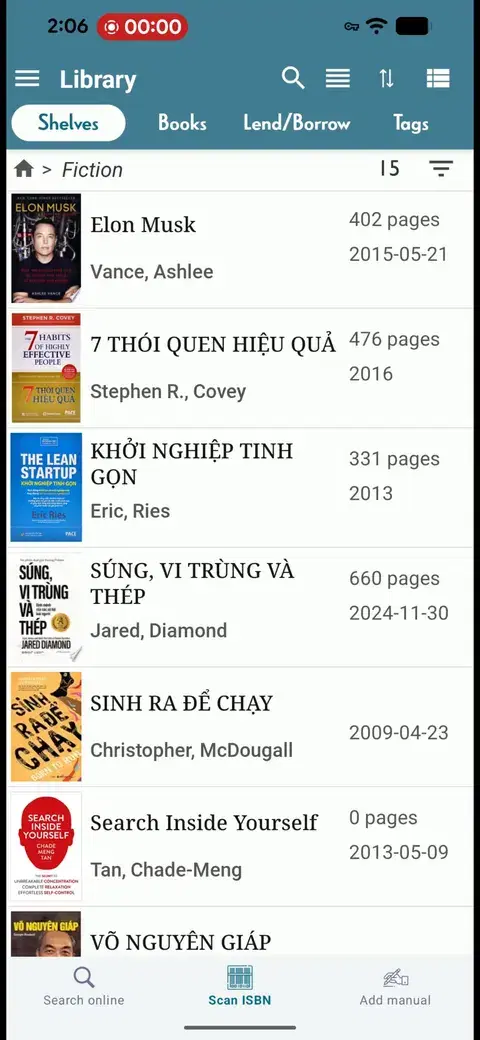
 Scan by barcode, cover or a whole shelf
- Rooms, shelves, tags and locations
- Loans with due dates for friends and students
Scan an ISBN barcode or a cover, snap a photo of a shelf, or film the whole bookcase. Handy Library recognizes each book and builds a searchable library — so you always know what you have, where it is, and who borrowed it.


 9.7Kratings on Google Play
 1M+downloads on Google Play
Two minutes on how Handy Library scans, organizes and lends your books.
SCANNING
ISBN barcode
Aim at the ISBN. Title, author, cover and edition fill in, and you can keep scanning without tapping.
HOW IT WORKS

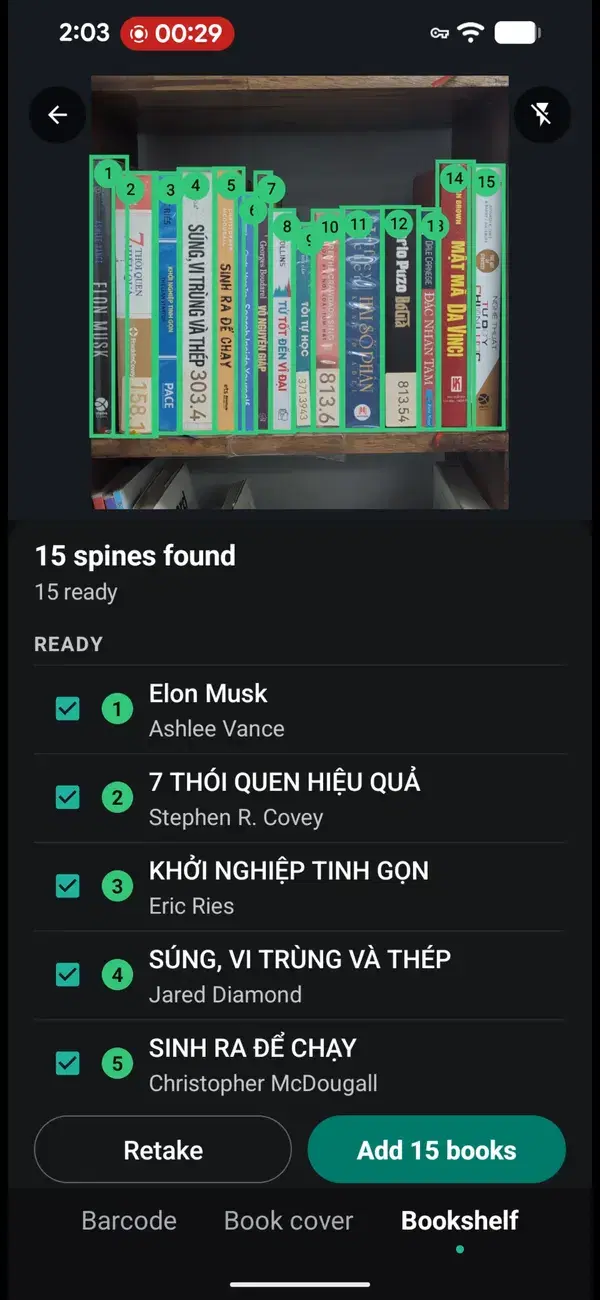
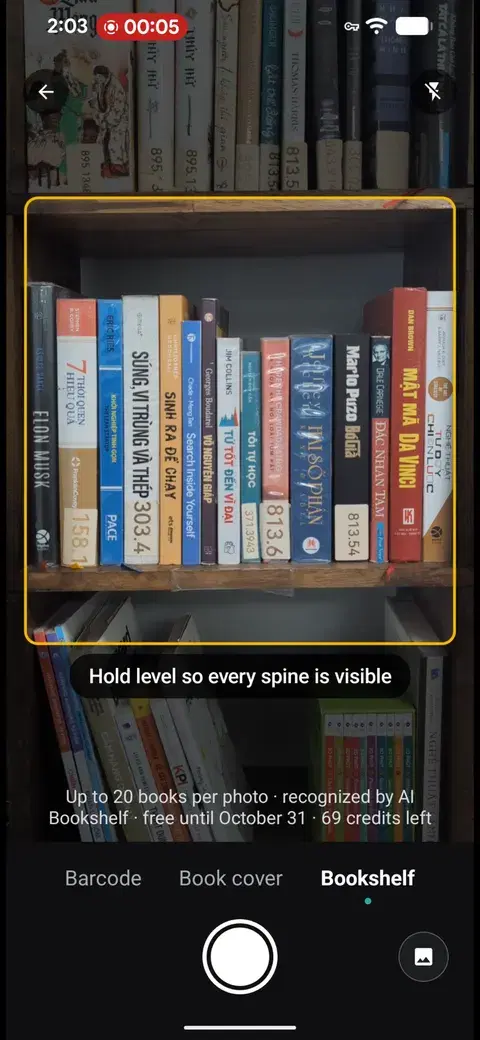
Point your camera at a shelf — up to 20 books per photo, recognized by AI.

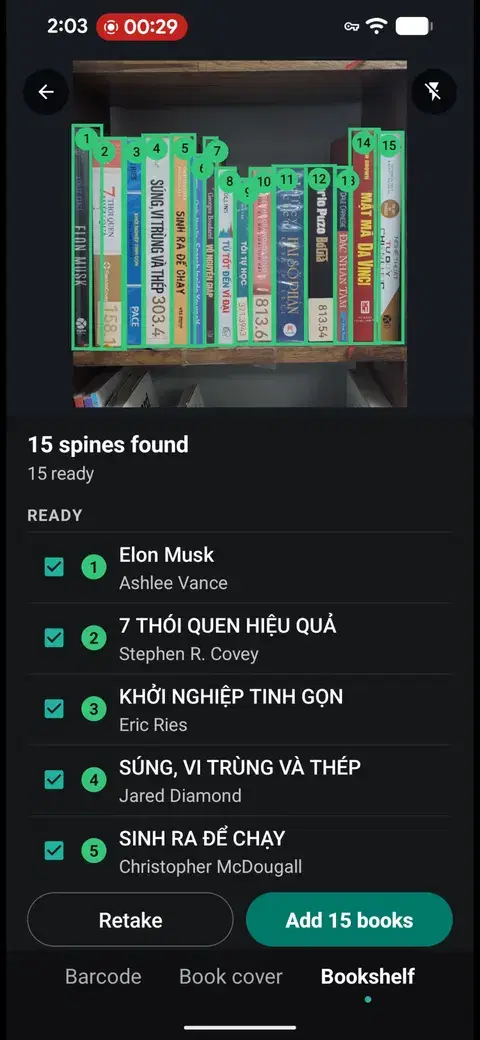
Confirm the matches, then sort books into rooms, shelves and tags.

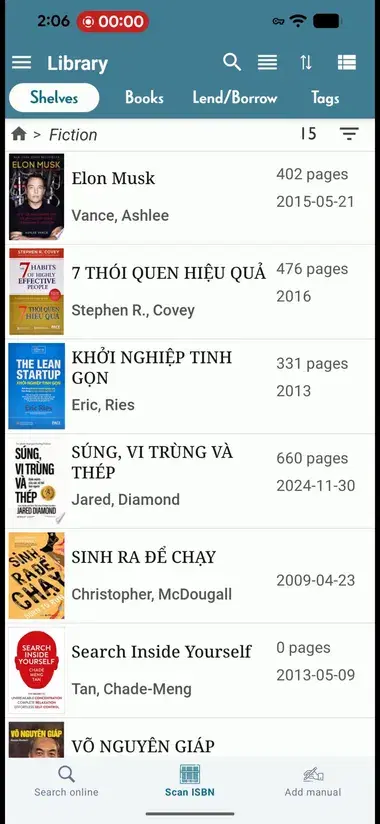
Search any title in seconds and record loans with due dates.
USE CASES

 For Families
Every room’s books in one list — never buy a copy you already own.

 For Classrooms
Lend by student, see what’s overdue and keep the class shelf full.

 For Communities
Volunteers film the shelf after a shift and the catalog updates itself.

 For Book Clubs
Track editions and condition, and share the club’s reading list.

 For Readers
Your library and wishlist, searchable from the bookshop aisle.
SOLUTIONS
Individuals, families, classrooms and book clubs
Handy LibraryMobile appScan by barcode, cover or a whole shelfRooms, shelves, tags and locationsLoans with due dates for friends and students


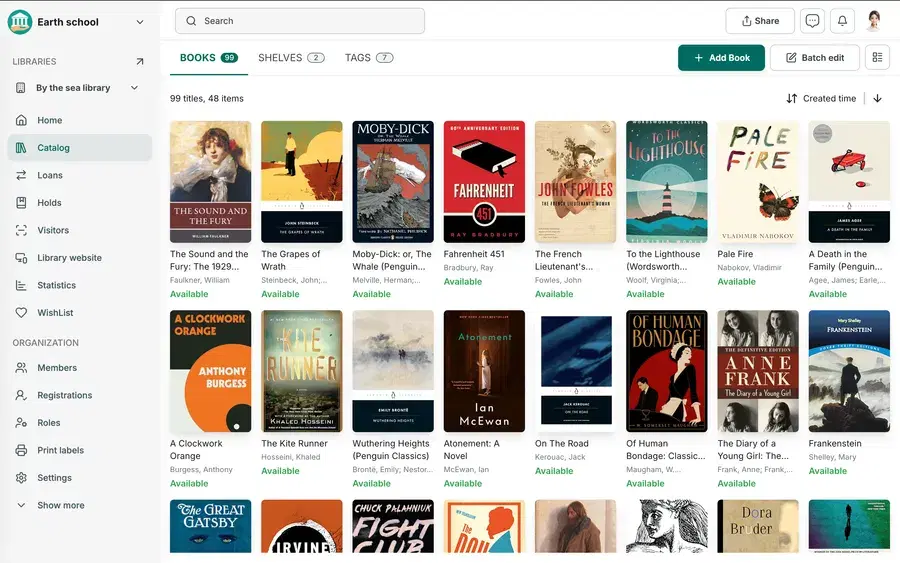
Schools, public and small-to-medium libraries
 SkoolibWeb & Mobile appCatalog, loans, members and shelvesA public catalog (OPAC) for readersBarcode labels and member e-cards
REVIEWS
9.7Kratings on Google PlayTake a photo of the cover. Handy Library recognizes the book from the image — handy for older editions, comics and imports.
Use a shelf photo to add one shelf at a time — about 20 books per photo. Use a shelf video to film a whole bookcase in one pass.
Use good, even light and keep the spines upright and readable. Move slowly along one shelf at a time, then check the matches before saving.
Yes. Record who borrowed a book and when it’s due back. Handy Library shows what’s on loan and what’s overdue.
Handy Library is free to download. Premium is a one-time purchase that adds unlimited books and priority email support — pay once, no subscription.
